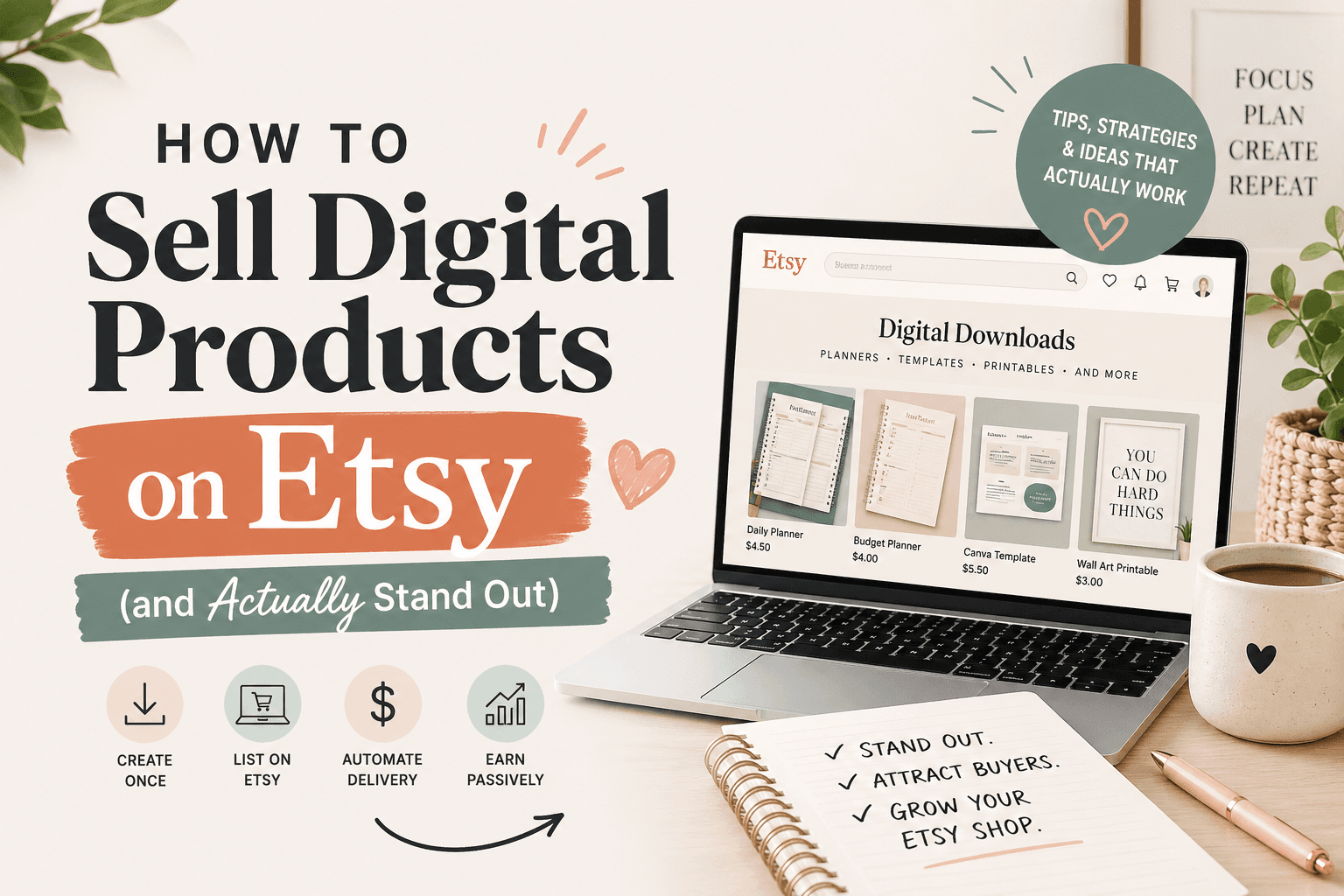
If you want a business that can earn money while you're asleep, digital products on Etsy are one of the most accessible paths to get there. No raw materials, no packing tape, no trips to the post office. Create once, sell infinitely.
The catch: everyone knows this. The digital product market on Etsy is saturated in many obvious categories. But "saturated" doesn't mean "closed" — it means the undifferentiated middle is crowded. The flanks are wide open.
Here's how to build a digital product shop that actually competes.
Why digital products work on Etsy
The economics are unlike anything in physical products:
- Zero marginal cost. Your 10,000th sale costs you exactly as much to fulfill as your first: nothing.
- Instant delivery. Buyers download immediately after purchase. No support tickets about lost packages.
- No inventory risk. You can list 50 products without buying a single thing upfront.
- Passive income potential. A listing you created 18 months ago can keep generating sales with zero maintenance.
Etsy's buyer base is also already trained to purchase digital downloads. The platform has a mature "digital item" UX — buyers know what they're getting and largely trust the delivery mechanism.
The differentiation problem (and how to solve it)
Search "budget planner printable" on Etsy and you'll get 80,000+ results. Most of them look the same: a pastel PDF with some boxes, a generic font, a price between $3 and $8.
The sellers making real money aren't competing in the generic middle. They're doing one or more of these things:
1. Niche down harder than feels comfortable
"Budget planner" is a category. "Budget planner for freelancers with irregular income" is a niche. "Weekly budget tracker for travel nurses" is a product that owns a shelf.
The narrower your niche, the less competition — and often the higher the price you can charge. A "nurse planner" sells to a specific person who feels understood. That emotional resonance justifies a $12–$18 price over a generic $4 planner.
The formula: [product type] for [specific identity group] with [specific problem or context].
Examples:
- Wedding budget tracker for couples planning a microwedding under $10k
- Homework planner for kids with ADHD (structured, visual, fewer items per page)
- Side hustle income tracker for Etsy sellers
- Monthly meal plan template for families following the Whole30 protocol
2. Bundle strategically
Single items are easy to undercut on price. Bundles are harder to compare apples-to-apples. A "Teacher Planner Bundle" with a lesson plan template, grade tracker, parent communication log, and substitute folder template is harder to match against a competitor's single item.
Bundles also increase average order value dramatically. A buyer who was going to spend $5 on a single planner will often spend $15–$20 on a bundle that covers their full use case.
3. Offer customization (without doing it manually)
Many digital product sellers lose sales to buyers who want "something like this but in blue" or "with my business name on it." Most sellers either don't offer customization at all or offer fully custom work that takes hours.
The middle path: editable templates. Offer your PDF or design as a Canva template link. The buyer gets a version they can personalize; you deliver it automatically with zero extra work. This typically commands a 30–50% price premium over non-editable versions.
4. Localize
Most digital products are created for a US audience. If you localize your products for the UK, Canada, Australia, or specific European countries, you face a fraction of the competition with the same demand.
Examples that localize well:
- Tax prep worksheets (US vs. UK tax systems are completely different)
- School year calendars (term dates differ by country)
- Wedding budget planners (currency, vendor types)
- Home-buying checklists (legal steps vary by country)
5. Go premium on design
The price ceiling in digital products is largely set by perceived quality. A $4 planner looks like a $4 planner. A $22 planner looks like something from a design agency.
If you're not a designer: use Canva Pro templates as a starting point, then heavily modify them until the output looks original. Pay attention to:
- Typography (use 2 fonts max, with clear hierarchy)
- White space (most amateur designs are too cramped)
- Color palette (3 colors max, one neutral, one accent)
- Cohesion across your whole shop (buyers buy multiple items when the aesthetic is consistent)
How to automate a digital product shop
"Passive income" is real, but it requires upfront work on the system, not just the products.
Delivery is already automated
Etsy handles digital file delivery automatically. Once you upload your files and a buyer purchases, Etsy sends them the download link instantly. You don't touch it.
Create a review request sequence
Etsy allows automated messages to buyers after purchase. Set up a message that fires 3–5 days after delivery:
"Hi! I hope you're enjoying your [product name]. If it's been helpful, a quick review would mean a lot to a small shop like mine — it only takes 30 seconds. And if anything isn't working the way you expected, just reply here and I'll fix it right away."
This recovers reviews that would otherwise never happen. Even a 5% review rate improvement compounds significantly over hundreds of sales.
Batch-create product variations
If you have a successful product, create a "bundle" listing, a "editable Canva version" listing, and a "customized for [niche]" variant all from the same core asset. Three listings doing similar work with minimal duplication.
Build a Canva template workflow
Use Canva's template duplication to create variations quickly. A single base layout can become 10 products by:
- Changing the color palette
- Swapping the niche (nurse vs. teacher vs. therapist)
- Adjusting the complexity (simple vs. detailed version)
- Offering different sizes (letter vs. A4, one-page vs. multi-page)
This is how shops with 200+ listings built them — systematically, not by starting from scratch each time.
Use a spreadsheet to track your listings
As your shop grows, track each listing's monthly views, favorites, and sales in a simple spreadsheet. This tells you which products warrant new variations and which to quietly retire.
Pricing digital products
New sellers consistently underprice digital products. Here's a mental model that fixes this:
Your price signals quality. A $2 planner communicates "this was made in 10 minutes." A $14 planner communicates "this was designed by someone who knows what they're doing." In digital products, buyers largely can't assess quality before purchase — so they use price as a proxy.
General pricing benchmarks:
- Single-page printable: $3–$8 (low — avoid unless you have high volume)
- Multi-page planner/workbook: $8–$18
- Canva editable template: $12–$25
- Bundle (5+ items): $15–$35
- Comprehensive toolkit (10+ items, multiple formats): $25–$60
Don't race to the bottom. The sellers offering $1.99 planners are either testing traffic or using it as a loss leader. They're not building sustainable businesses. Price your work at what someone would pay for the outcome, not what it cost you to make.
SEO for digital product listings
Digital product titles follow the same Etsy SEO rules as physical products — but there are a few patterns specific to digital:
Lead with format + niche: "Digital Download Budget Planner for Nurses | Printable PDF | Instant Download"
Use "instant download" and "printable" as keywords — buyers searching for digital products often use these exact terms to filter out physical items.
Tag for use case, not just product: Tags like "nurse gift idea," "nursing school," and "ICU nurse" will catch gift-buyers who aren't specifically searching for a planner.
Seasonal variants get their own listings: A "Christmas Planner Printable" listing will outperform adding "christmas" as a tag on your generic planner. Create dedicated seasonal listings and renew them each year.
What categories actually work
Not all digital products have equal market depth on Etsy. The categories with the best combination of demand, buyer intent, and differentiation potential:
High ceiling:
- Planners, trackers, and organizers (especially niche-specific)
- Canva templates for small businesses
- SVG files for Cricut and Silhouette users
- Wedding stationery templates
- Wall art and printable art
Good mid-tier:
- Notion templates
- Social media templates
- Coloring pages
- Patterns (knitting, crochet, cross-stitch, sewing)
- Educational worksheets and activity sheets
Harder (highly commoditized):
- Generic resume templates (saturated with free options on Canva)
- Basic quote prints without strong design differentiation
- Generic calendars without niche specificity
The categories with the best unit economics are those where the buyer values the outcome, not just the file. A "custom wedding seating chart template" is worth $15–$30. A "blank calendar" is worth $2.
Getting your first 10 sales
No reviews = no trust = no sales. The cold start is the hardest part.
Launch with 8–12 listings, not 1–2. Etsy's algorithm gives new shops a visibility window. More listings = more surface area to catch clicks during that window.
Offer a freebie to build reviews. Create a simpler, lower-tier version of your product and offer it for $0 or $1. Even a small number of reviews on any listing establishes social proof for the whole shop.
Cross-promote within your shop. In each listing description, mention other related products: "Looking for the full bundle? Check out [link]." Buyers who are already buying from you are warm — don't let them leave without seeing what else you have.
Share on Pinterest. Pinterest is an underused discovery channel for digital product sellers. A single well-designed pin can drive traffic for years because Pinterest content has long shelf life. Pin every listing you have, using keyword-rich descriptions.
Not sure what to make? Use the idea generator below to get unstuck — 250 ideas across 20 categories, ready to browse.
Once your listings are live, use ListingLift's Listing Auditor to check your titles, tags, and descriptions — and see exactly where you're leaving search visibility on the table.
Random Digital Product Idea Generator
250 ideas across 20 categories. Pick a category or let the universe decide.